Bye bye Genie+, hello Multipass! Walt Disney World’s skip-the-line options have changed once again. Just last week, Disney introduced a new system called Lightning Lane Multipass, and while we haven’t had the chance to use it yet, we’ve done our homework to bring you all the essential details. In this post, we’ll explore everything you need to know about the new Lightning Lane Multipass system to help you plan your next trip to Walt Disney World.
What is Lightning Lane Multipass?
Lightning Lane Multipass is Disney’s new skip-the-line system, which combines elements from the previous Genie+ and FastPass+ systems. It offers two main tiers:
- Lightning Lane Multipass: A paid option that allows you to book skip-the-line passes for multiple attractions throughout the day.
- Lightning Lane Single Pass: As the name suggests, this is a pay-per-ride option for individual attractions, typically the most popular ones at each park.
It’s worth noting that “Lightning Lane” can refer to three things: the physical line you’ll be standing in, the individual passes you book, and the system itself. Confusing, I know, but you’ll get used to it.
What Rides Are Included With Lightning Lane Multipass?
Lightning Lane Multipass is available for most attractions and shows (excluding the Single Pass selections) at each park. Notably, character meet and greets are currently not included. The attractions included at each park are divided into two tiers, with Tier 1 attractions being the most popular and Tier 2 covering all others. The exception to this rule is Animal Kingdom, which does not have tiers. The tier system affects what you can book ahead of your visit.
Currently, the following attractions are included with Lightning Lane Multipass.
Magic Kingdom
Tier 1:
- Big Thunder Mountain Railroad
- Jungle Cruise
- Peter Pan’s Flight
- Space Mountain
- Tiana’s Bayou Adventure
Tier 2:
- The Barnstormer
- Buzz Lightyear’s Space Ranger Spin
- Dumbo the Flying Elephant
- Haunted Mansion
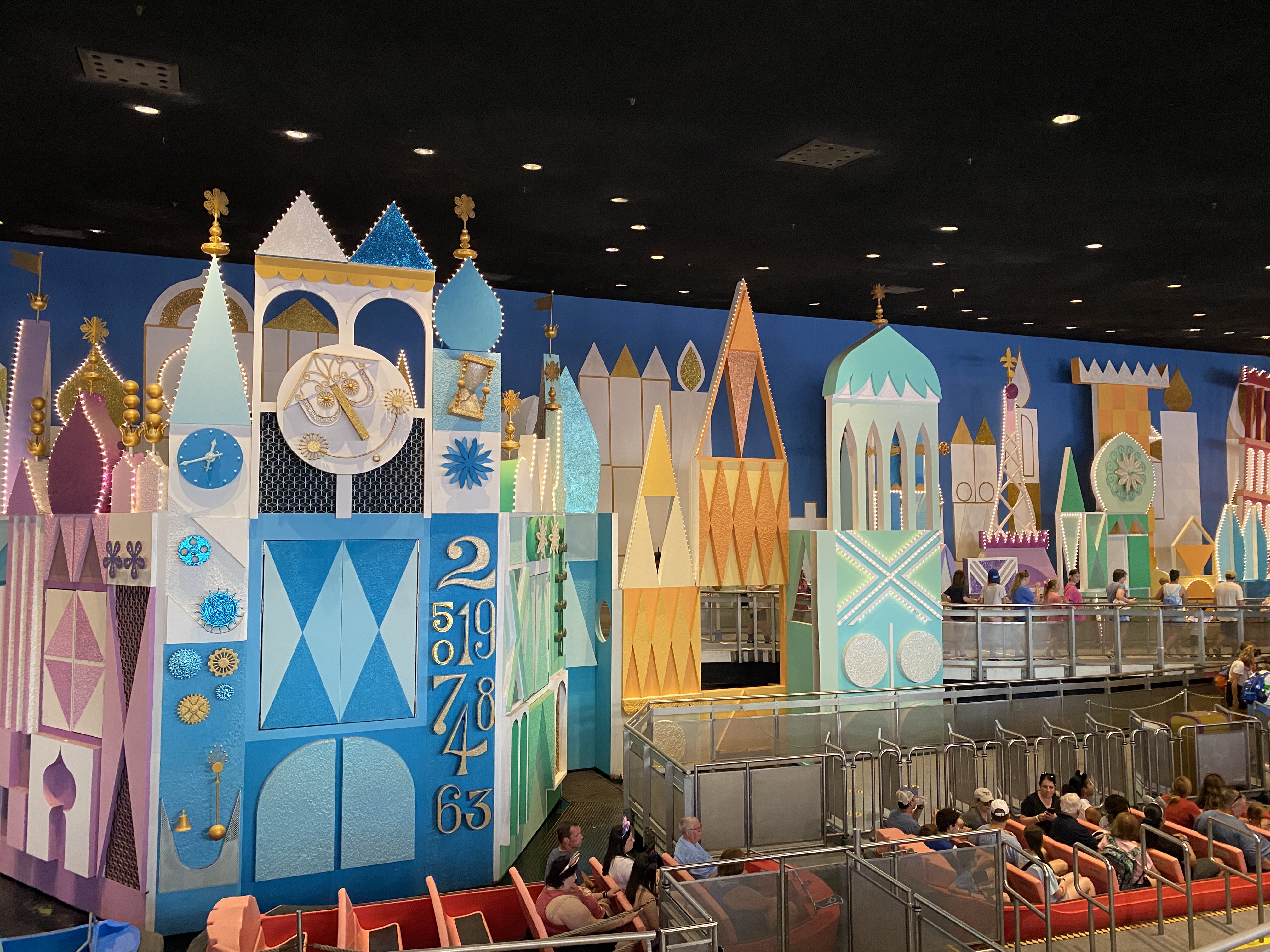
- It’s a Small World
- Mad Tea Party
- The Magic Carpets of Aladdin
- The Many Adventures of Winnie the Pooh
- Mickey’s PhilharMagic
- Monsters Inc. Laugh Floor
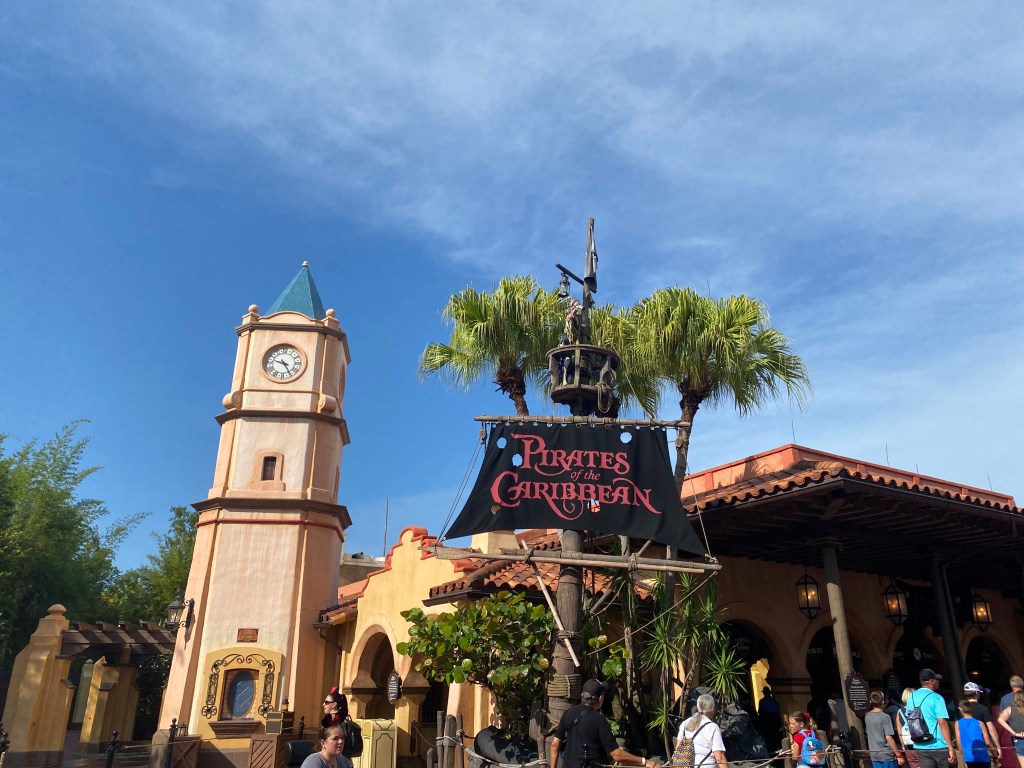
- Pirates of the Caribbean
- Tomorrowland Speedway
- Under the Sea – Journey of the Little Mermaid
EPCOT
Tier 1:
- Frozen Ever After
- Remy’s Ratatouille Adventure
- Soarin’ Around the World
Tier 2:
- Disney and Pixar Short Film Festival
- Journey Into Imagination with Figment
- Living with the Land, Mission: SPACE
- The Seas with Nemo and Friends
- Spaceship Earth
- Turtle Talk with Crush
Hollywood Studios
Tier 1:
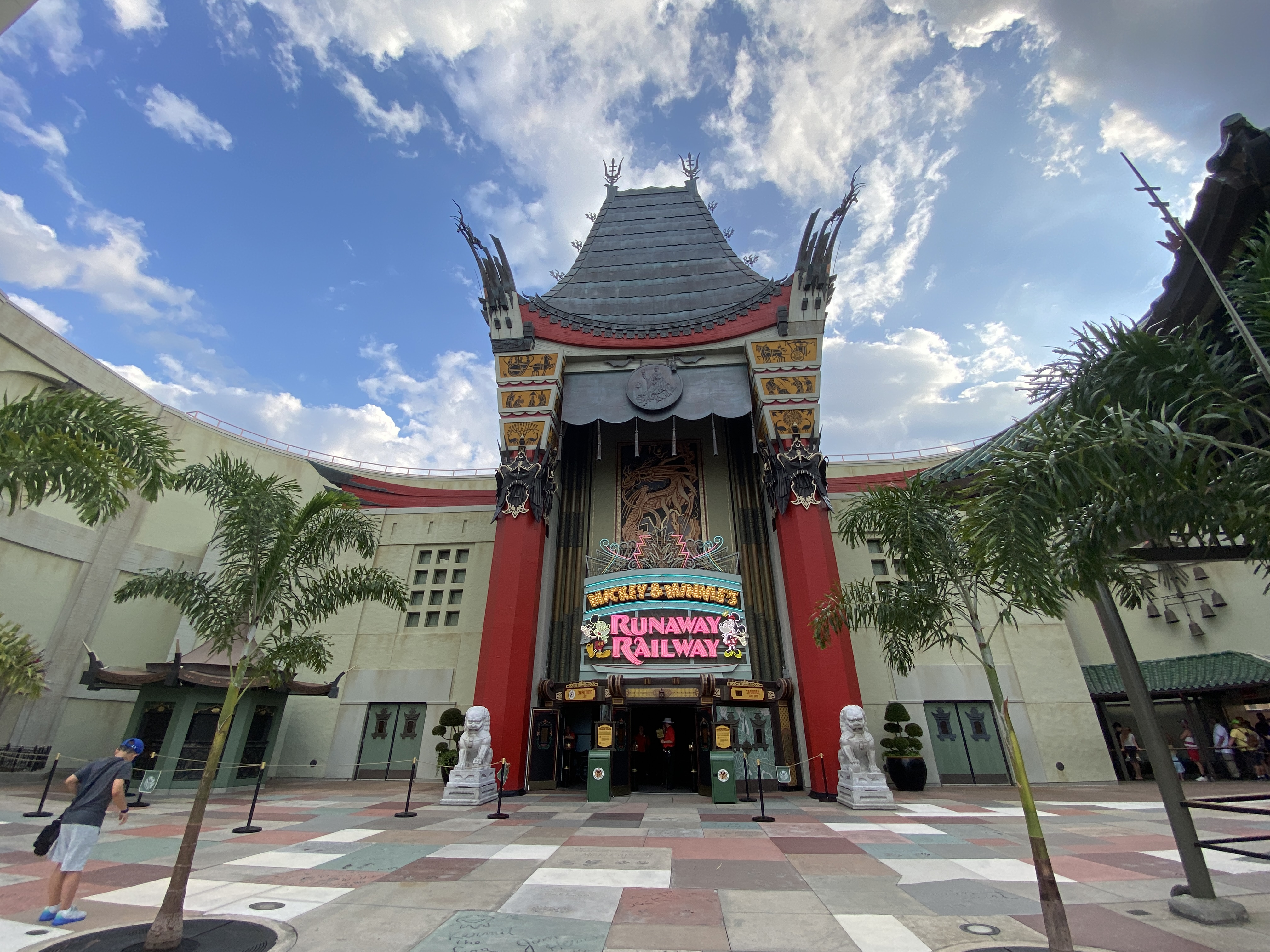
- Mickey and Minnie’s Runaway Railway
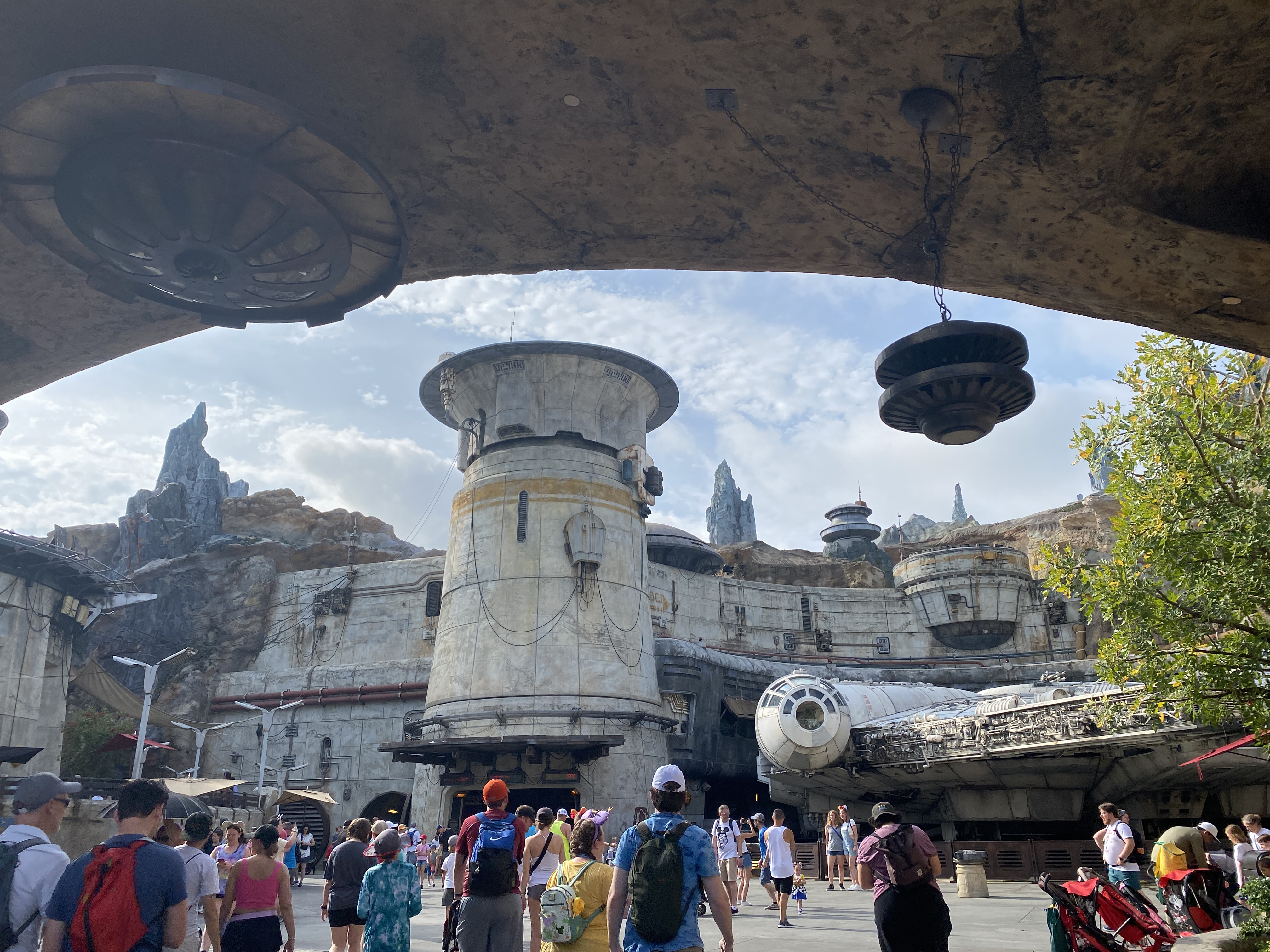
- Millennium Falcon: Smuggler’s Run
- Rock ‘n’ Roller Coaster
- Slinky Dog Dash
Tier 2:
- Alien Swirling Saucers
- Beauty and the Beast Live on Stage
- Disney Junior Play & Dance!
- For the First Time in Forever: A Frozen Sing-Along Celebration
- Indiana Jones Epic Stunt Spectacular
- Muppet Vision 3D
- Star Tours – The Adventures Continue
- The Twilight Zone Tower of Terror
- Toy Story Mania
Animal Kingdom
- DINOSAUR
- Expedition Everest
- Feathered Friends in Flight
- Festival of the Lion King
- Finding Nemo: The Big Blue… and Beyond!
- It’s Tough to be a Bug
- Kali River Rapids
- Kilimanjaro Safaris
- Na’vi River Journey

Lightning Lane Single Pass
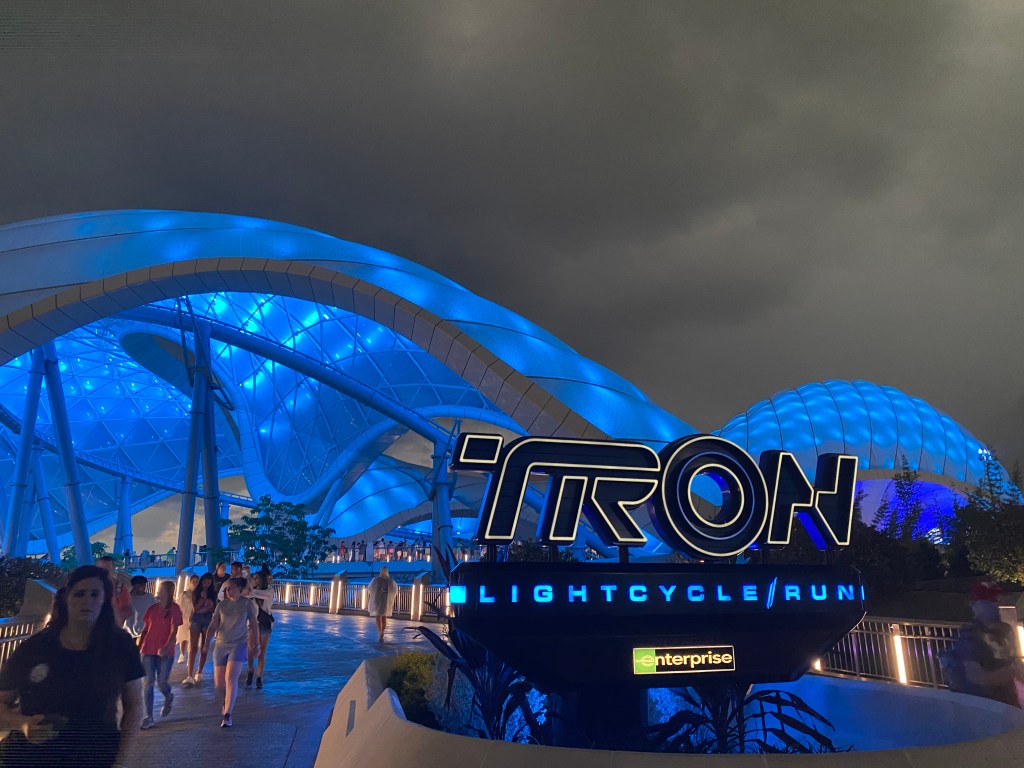
- Magic Kingdom: Seven Dwarfs Mine Train and TRON Lightcycle Run
- EPCOT: Guardians of the Galaxy: Cosmic Rewind
- Hollywood Studios: Star Wars: Rise of the Resistance
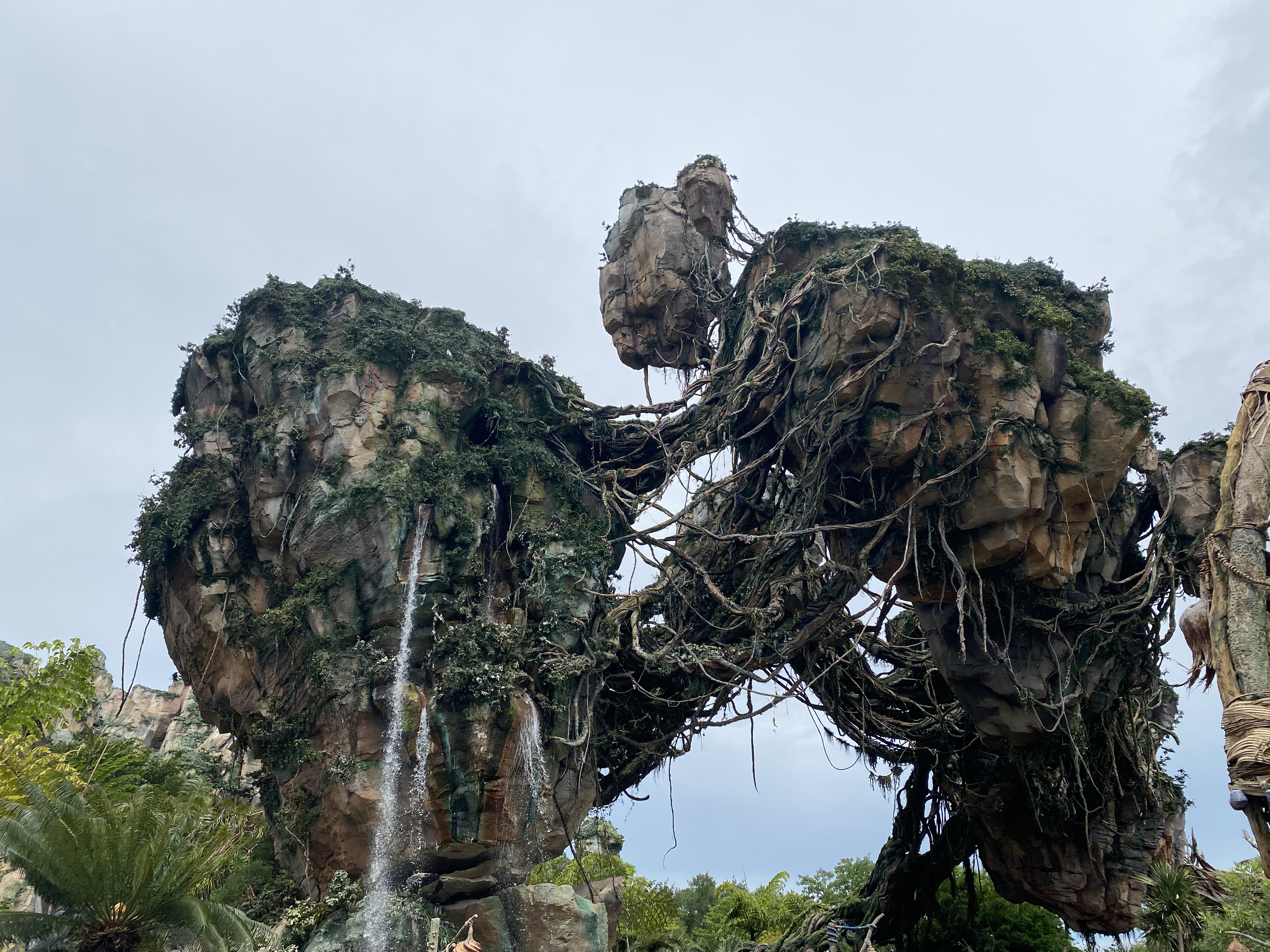
- Animal Kingdom: AVATAR Flight of Passage

How Much Does Lightning Lane Multipass Cost?
The cost of Lightning Lane Multipass varies depending on the park and the day you visit. Here are some key points on cost:
- The park you select when purchasing is the first park you will visit and use Lightning Lanes in. If you have a park hopper ticket, you can book Lightning Lanes in other parks later in the day for the same price.
- Generally, Animal Kingdom will be the cheapest park, while Magic Kingdom will be the most expensive.
- The cost of Lightning Lane Single Passes also varies, with Seven Dwarfs Mine Train typically being the cheapest and Rise of the Resistance the most expensive.
When Can I Book My Lightning Lanes?
This is one of the big changes from Genie+. With Lightning Lane Multipass, you can now book up to three Lightning Lanes ahead of your trip:
- Disney Resort Guests: Can book 7 days ahead of the first day of their trip for their entire trip, up to 14 days.
- Non-Disney Resort Guests: Can book up to 3 days ahead of their trip. If they have multi-day tickets, they can book for the rest of their trip on this day as well, up to 14 days.
- Annual Passholders and Single Day Tickets: Can book up to 3 days ahead for that day only.
The booking window opens every day at 7 AM Eastern time, so set your alarms!
Please note that Multipass and Single Pass work as completely separate systems. This means that you can book either one on its own or both.
Currently, only US and Canadian guests can access this pre-booking feature because you have to be on US or Canadian soil to purchase the passes. However, some UK guests are finding workarounds, so hopefully, this will change soon.
Booking Rules:
- You can book up to three Lightning Lane selections per day prior to your trip, plus up to two Single Pass selections.
- Your three Multipass selections must be for the same park (the first park you will use Lightning Lane in for the day).
- You can only select one Tier 1 ride and two Tier 2 rides (or all three from Tier 2 if you wish).

How Do I Book My Lightning Lanes?
Booking is done through the My Disney Experience app. Here’s a step-by-step guide:
- Open the My Disney Experience app and find the Lightning Lane Multipass section (usually on the homepage).
- Select the date you want to book and then the packages you want to book. Here, you can select one park for Lightning Lane Multipass and up to two Lightning Lane Single Passes from any park.
- Select all the family members you want to include in your bookings. Ensure they are linked to your My Disney Experience account beforehand. Note that, at the initial booking stage, everyone you select has to book the same attractions. However, you can modify choices for individual guests later.
- Select up to three attractions you want to book Multipass for, adhering to the tiering rules.
- The system will show you the times it has selected for you. If you don’t like them, you can try to modify the times. The system will hold your selections for 5 minutes while you make any changes.
- Once you’re happy, proceed to payment. And, I just have to say, It’s a great addition that you don’t have to pay until you’ve seen what’s available.
- Once you’ve paid, you can exit the system or repeat the process for another day if you have a multi-day ticket.
When Can I Book My Next Lightning Lane?
You start with three Lightning Lane bookings, but you can use many more throughout the day.
The good news is that once you’ve used your first pass of the day, you can book another, regardless of tier. This means you could end up holding two Tier 1 rides at once after using one of your initial selections.
In other words, the tier rules only apply to the first three selections.
Once you’ve used your first pass, you can also modify your two unused passes to be in any park (if your ticket includes park hopper). However, you can only book each ride once per person per day.
It’s also worth noting that, for the rest of the day, the system will initially select the next available time for your next booking, but you can modify this before confirming your next selection.
Modifying Lightning Lanes
You can modify any of your Lightning Lane selections at any time. Here’s how:
- Go to your Tip Board or the ‘My Lightning Lanes’ section in the app, find the ride you want to modify, and click the three dots in the corner of its panel.
- Select “modify,” and you’ll see more times and rides you can switch to. If this is before you’ve used your first pass, you’ll only see rides in that park. If it’s after, you’ll see available rides in all parks.
- Make sure you’ve selected the right time before confirming the modification. The system will hold your modification for 5 minutes while you make changes and decide.
Some Tips
While we haven’t used the system yet, we’ve gathered some tips for you from our research:
- Book at least one of your initial Lightning Lanes as early as possible in the morning: To maximize the number of Lightning Lanes you can use, try to book one of your initial selections as early as possible in the day. This way, you can use it and quickly book another Tier 1 ride.
- Save Money: If you’re looking to save money, consider starting your day at Animal Kingdom. You can book an early Lightning Lane, scan in at one attraction, and then book three other attractions for another park. This strategy can save you money, even if it means a brief morning trip to Animal Kingdom.
- Have Backup Choices: Just like with the old FastPass+ system, it’s good to have a backup plan. We recommend making a spreadsheet with your first and backup choices for each day. It may require some planning, but it will make the booking process smoother.
- Refresh Often: Keep refreshing your screen when modifying bookings. New options can appear, including times that were previously unavailable or rides that appeared to be sold out.
- Always Hold Three: Since you can modify whenever you want, always hold your maximum three Lightning Lanes. Even if the times aren’t ideal, book them and then try to modify later.
Additional Resources
As I mentioned, we haven’t used Lightning Lane Multipass yet, so we’re relying on the good work of others.
And so it’s only right to end this post by linking to the resources that we used to help compile this information for you:
Review
While we haven’t used the Lightning Lane Multipass system ourselves, initial impressions are positive. It seems more straightforward than Genie+, and we appreciate the ability to book multiple rides ahead of time. However, we’re disappointed that UK guests can’t book ahead yet. Once we’ve tried it out, we’ll update this post with our own experience.
Thanks for reading! If you have any questions about the Lightning Lane Multipass, please leave a comment below. Don’t forget to like this post, follow our blog for more travel tips, and subscribe to our YouTube channel, “Rob on Holiday,” for even more vlogs and travel advice. Happy travels!
 Rob on Holiday
Leave a comment